Media Kit
Brand assets and guidelines for press, creators, and partners
Logos
Use these official files for thumbnails, press articles, sponsorship overlays, and app listings.

Full Logo (Light)
Full Logo (Dark)

Icon Only (Light)
Icon Only (Dark)
If you need a format not listed here, contact us and we will provide it.
Colors
Use these exact values for accurate representation.
Timeslicer Orange
#FF6100
Accent, CTAs, highlights
Timeslicer Dark
#0a0a0a
Background
Recommended Usage
- Use Timeslicer Dark as the primary background color.
- Use Timeslicer Orange sparingly for emphasis, CTAs, and key UI states.
Typography
Timeslicer uses Montserrat for a clean, modern look.
Headings: Montserrat Bold
The quick brown fox
Body: Montserrat Regular or Medium
The quick brown fox jumps over the lazy dog.
Buttons and Labels: Montserrat SemiBold
Download Now
Product Screenshots
Approved images for press and creator use.
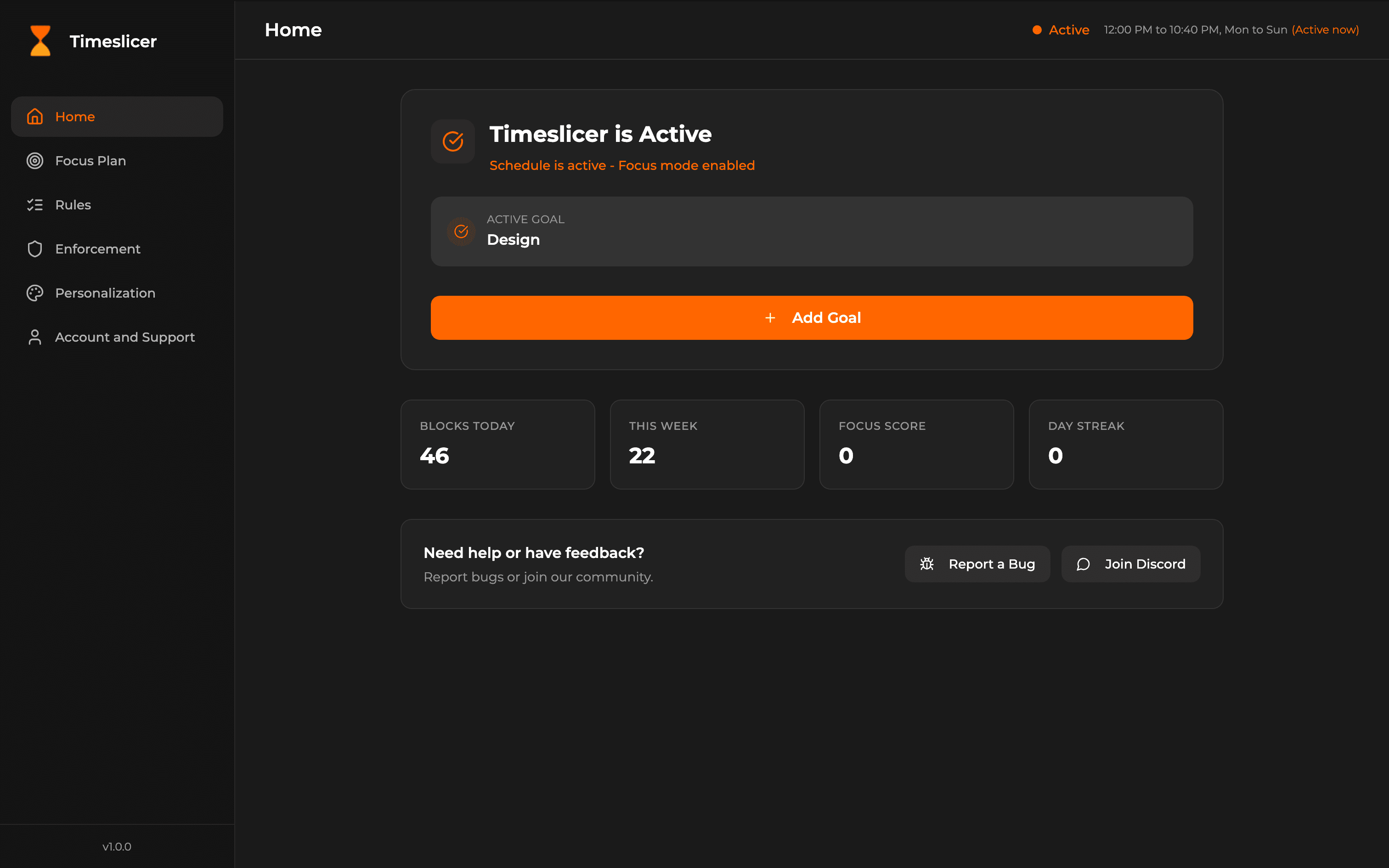
Home Dashboard
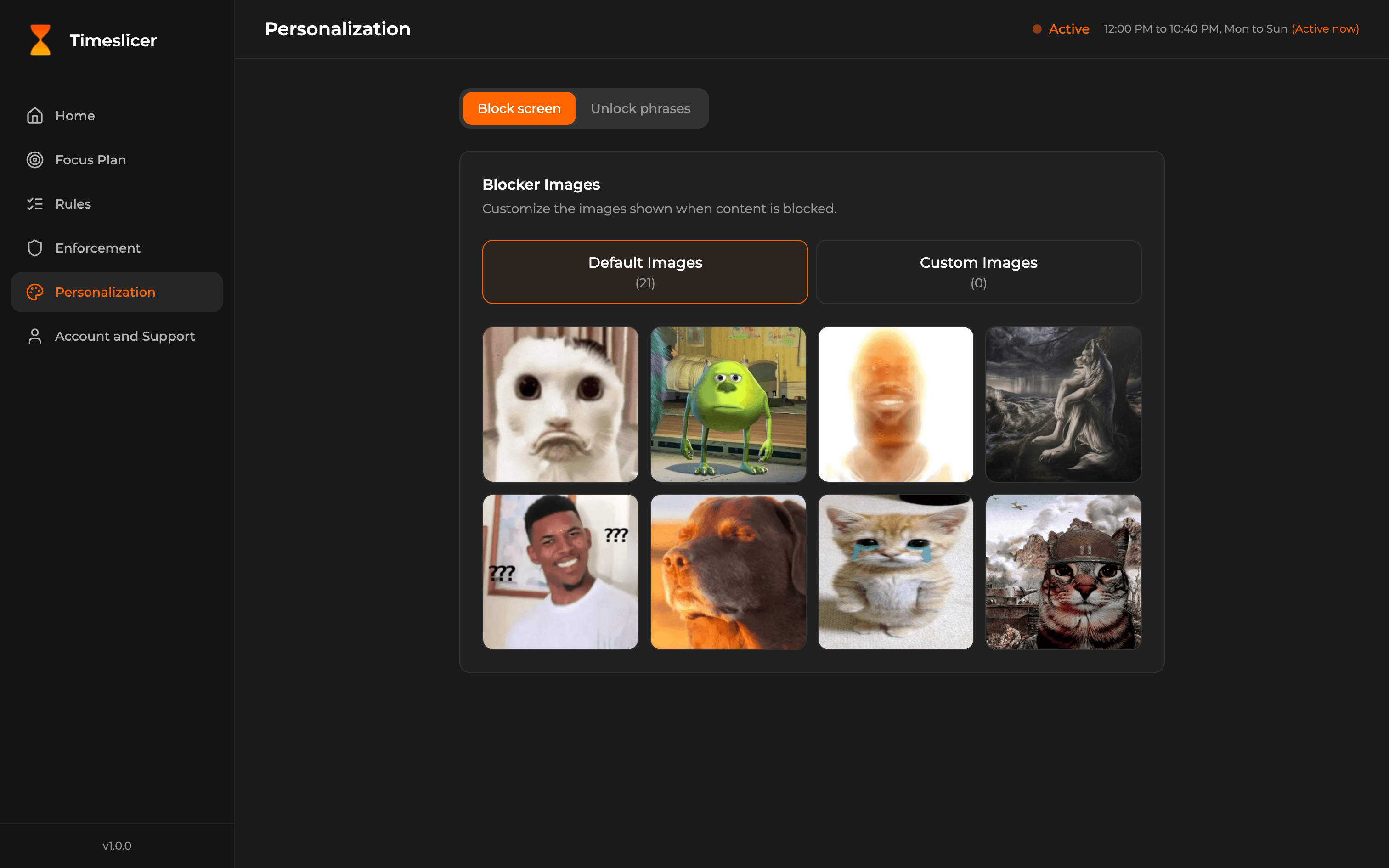
Personalization
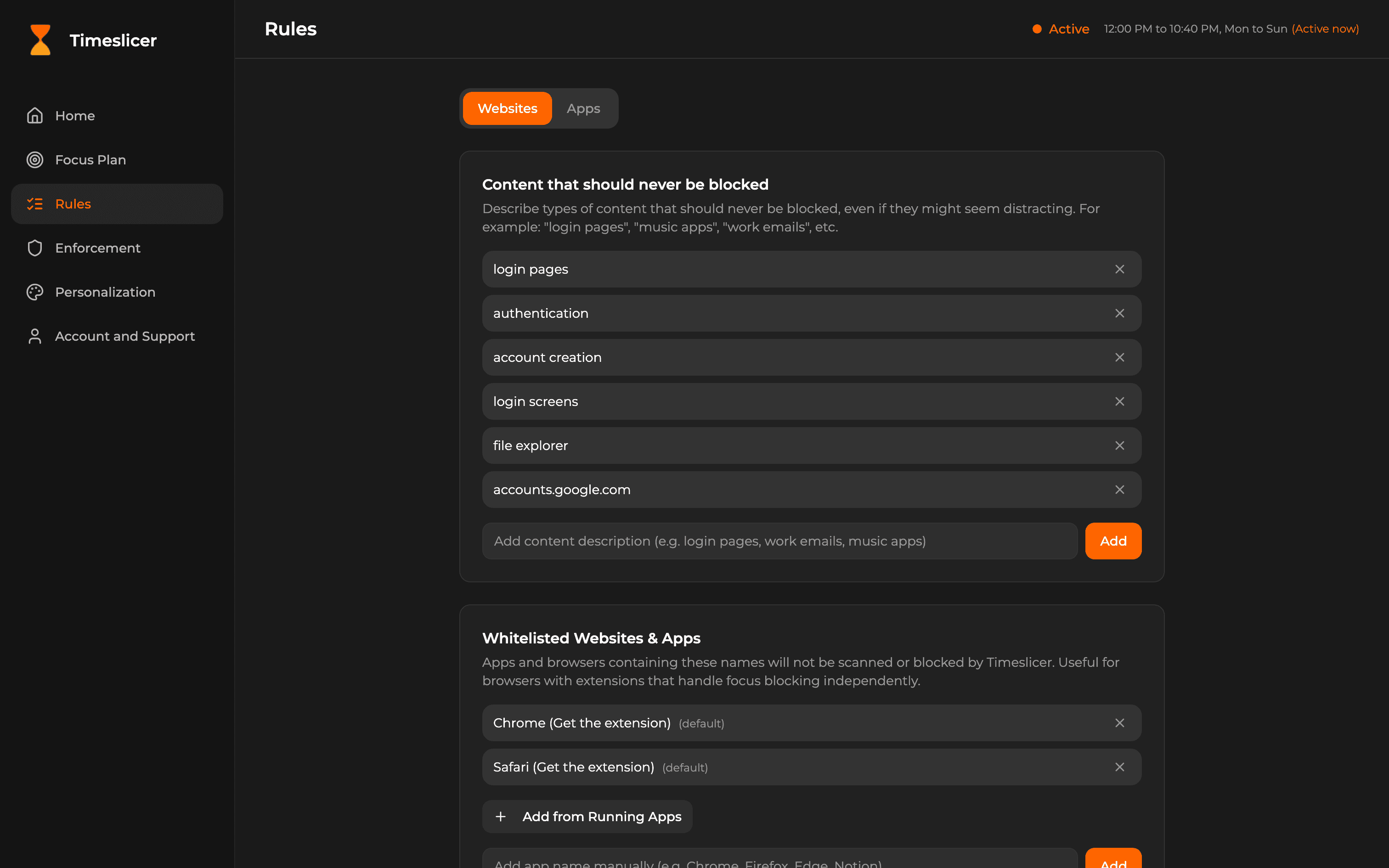
Rules Configuration
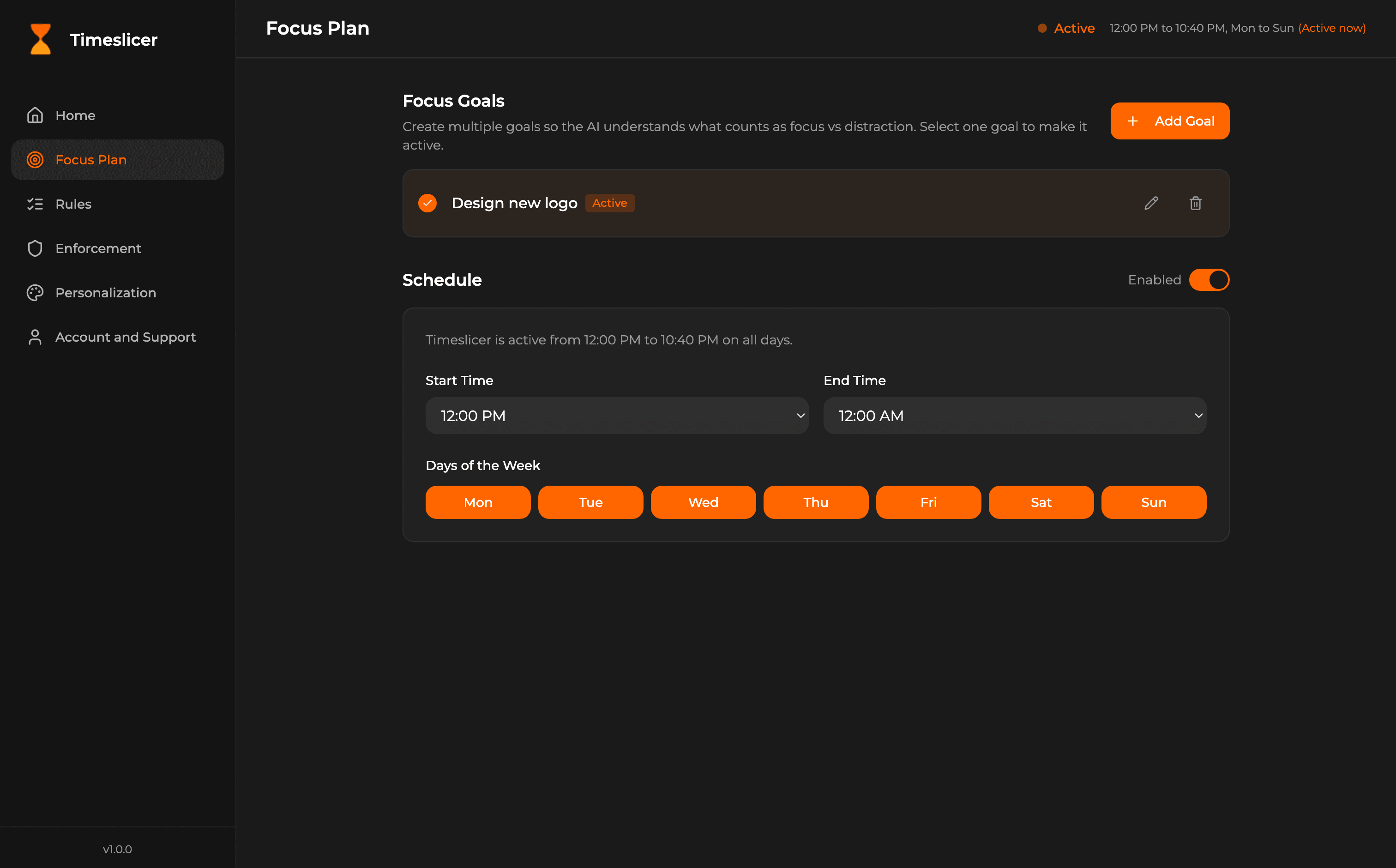
Focus Plan
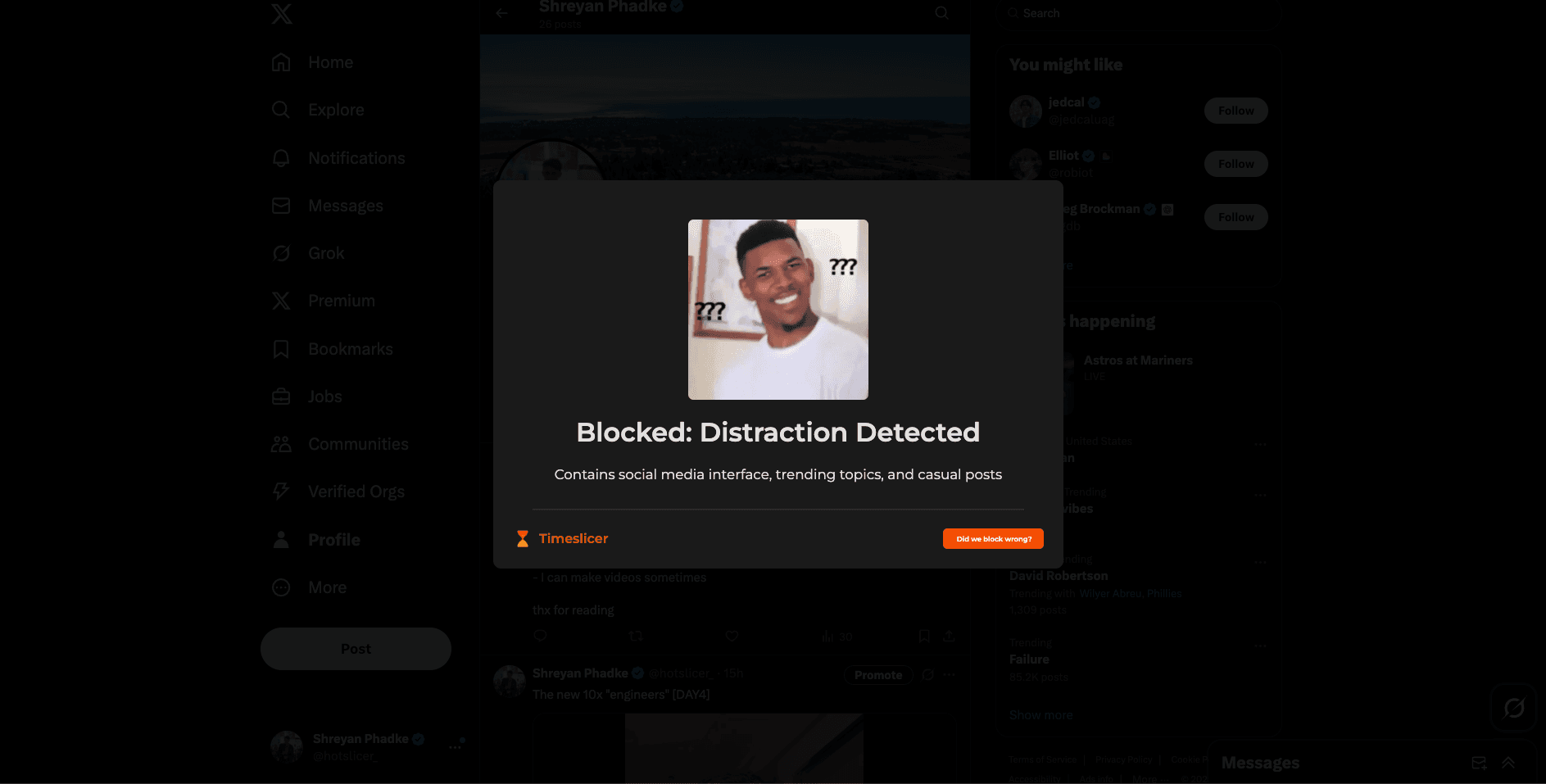
Blocker Screen 1
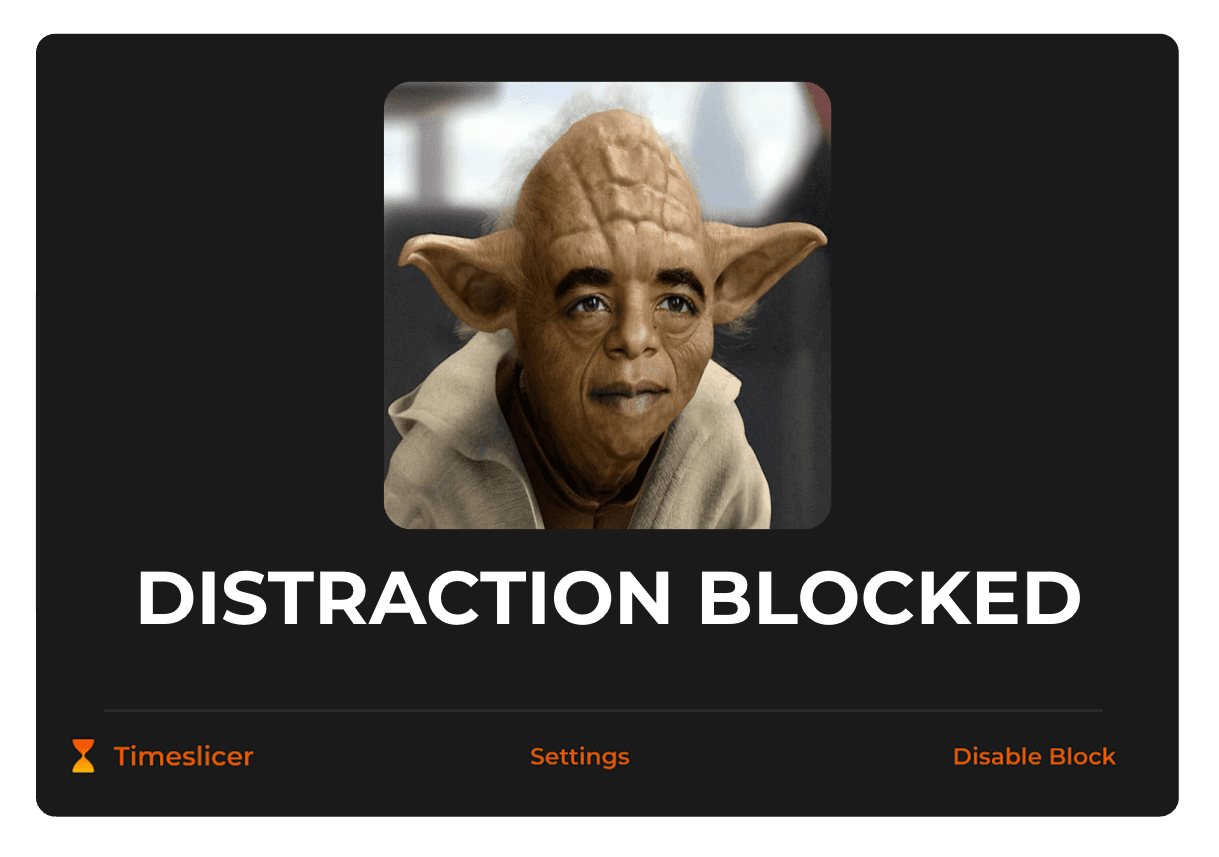
Blocker Screen 2
Approved Copy
Use these blocks in descriptions, sponsorships, app listings, and articles.
One-Liners
Timeslicer is an AI-powered screen time blocker that stops distractions in real time.
Stop distractions without blocklists. Timeslicer understands what is actually distracting.
A context-aware focus assistant for your computer.
50-Word Description
Timeslicer is an AI-powered screen time blocker that intelligently detects and blocks distractions in real time. Unlike traditional blockers that rely on static lists, Timeslicer analyzes on-screen content to decide what is genuinely distracting, then stays out of the way when you are working.
100-Word Description
Timeslicer is an AI-powered screen time blocker designed to detect and block distractions in real time. Traditional blockers require you to manually define websites and apps to block, which breaks down when distractions change or overlap with productive use. Timeslicer instead analyzes the content on your screen and the context of what you are doing, allowing it to intervene when you drift and remain invisible when you are on task. It is built to function like a live focus assistant that helps you follow through on your goals.
Privacy Blurb
No data is stored, sold, or shared with third parties, except necessary communication with the OpenAI API. Data is not used to train models, sensitive sites are excluded from scans by default, and personally identifiable information is automatically removed.
Usage Guidelines
Follow these rules to keep Timeslicer branding consistent.
Logo Rules
- Do not stretch, skew, rotate, or add effects.
- Do not place the color logo on busy backgrounds. Use the reversed logo on dark backgrounds.
- Maintain clear space around the logo equal to the height of the "T" in Timeslicer.
- Minimum size: Do not render the full logo smaller than 120px wide on web.
Color Rules
- Do not change the orange hue.
- Avoid using orange for long paragraphs or body text.
Naming Rules
- Write as "Timeslicer" with this capitalization.
Links and Contact
For media requests, sponsorship approvals, or custom assets, email [email protected]