Take control of your time.
Timeslicer automatically tracks your time and blocks distractions that steal it.
One day from Sam, a startup founder. Demo data. ClickTap any block to see what it was made of.
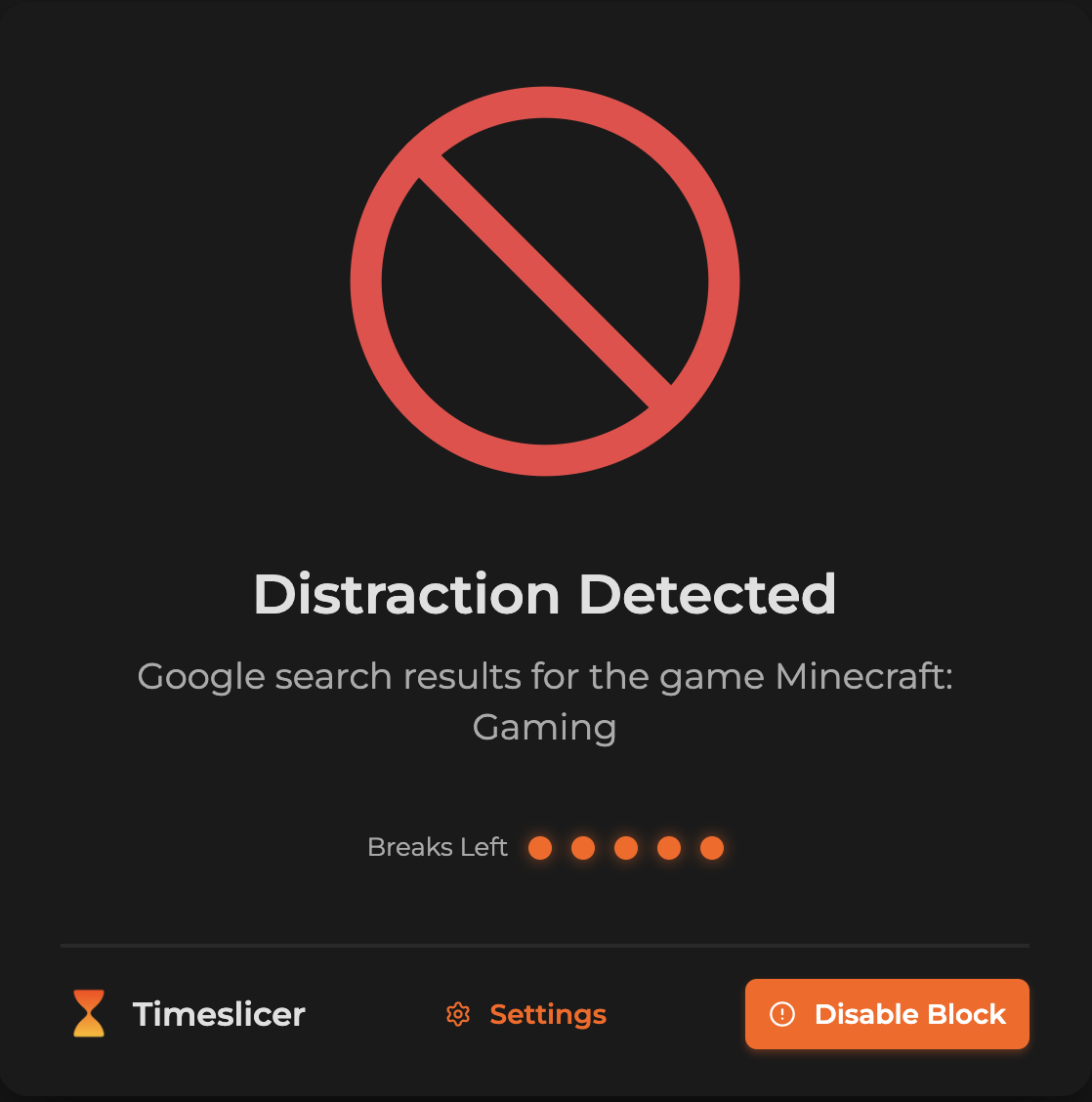
Block distractions by what they are
Timeslicer reads what's on the page, not just the URL, so a search for a game gets blocked while the docs you need stay open.
Tasks, not websites
Hours spent in apps and websites don't tell you what got done.



Time by website
 Timeslicer
Time by task
Ask Claude about your day
Connect Claude to your own timeline and ask where your time went.
Works with Claude Desktop and Claude Code.
Private by default
Activity is stored locally, with no keystrokes or screen recording.
- No screen recording
- No keystroke logging
- No screenshots saved
- No call audio
- Stored on their computer
- End-to-end encrypted
- They see what you see
- AI labeling keeps nothing
Pricing worth your time
Pro is 30 days free, no card required.
Free
$0 forever
Your tracked history and manual blocking, free
- Your tracked history, kept forever
- 5 AI blocks per day
- Basic analytics
- Basic distraction blocking
- Community access
Pro
$6.99per month
The full Timeslicer experience
- Automatic time tracking
- Daily Focus Email
- Unlimited AI blocking
- Full history and search
- Advanced analytics and reports
- Customization and schedules
- Strictness settings
Tracking a team? See team pricing
Questions
Still have questions? Book a demo
Automatically. Once it's installed, Timeslicer runs quietly in the background, figures out what you're working on, and organizes your day into real tasks.
On your own computer. Your tasks, your history, and everything Timeslicer reads to understand your work stay in a local database on your machine. None of it is stored on our servers.
No. Timeslicer reads what's on screen to understand what you're working on, but it doesn't record your screen, save screenshots, or log keystrokes.
Yes. Timeslicer tracks your work across desktop apps and the browser, so your timeline covers everything you do.
Add a task and Timeslicer keeps unrelated content out of your way while you work, judged by what's on the page rather than a list of sites. You can turn it on or off whenever you like.
No. It's built to run lightly in the background, at 0.5 to 2% CPU.
The Free plan keeps your tracked history and gives you 5 AI blocks a day. Pro adds automatic time tracking and unlimited AI blocking for $6.99 a month, and it's 30 days free with no card.
Take back your day
Pro is 30 days free. No card required.